 Kuvo Code
Customizing the agent
Agents, permissions, MCP servers, skills and commands, set up in Settings.
Kuvo Code runs the opencode engine, and Settings sets it up the way opencode’s own settings file does. Changes apply right away, in every project. A project’s own opencode.json or .opencode folder still counts, and wins for that project.
Agents
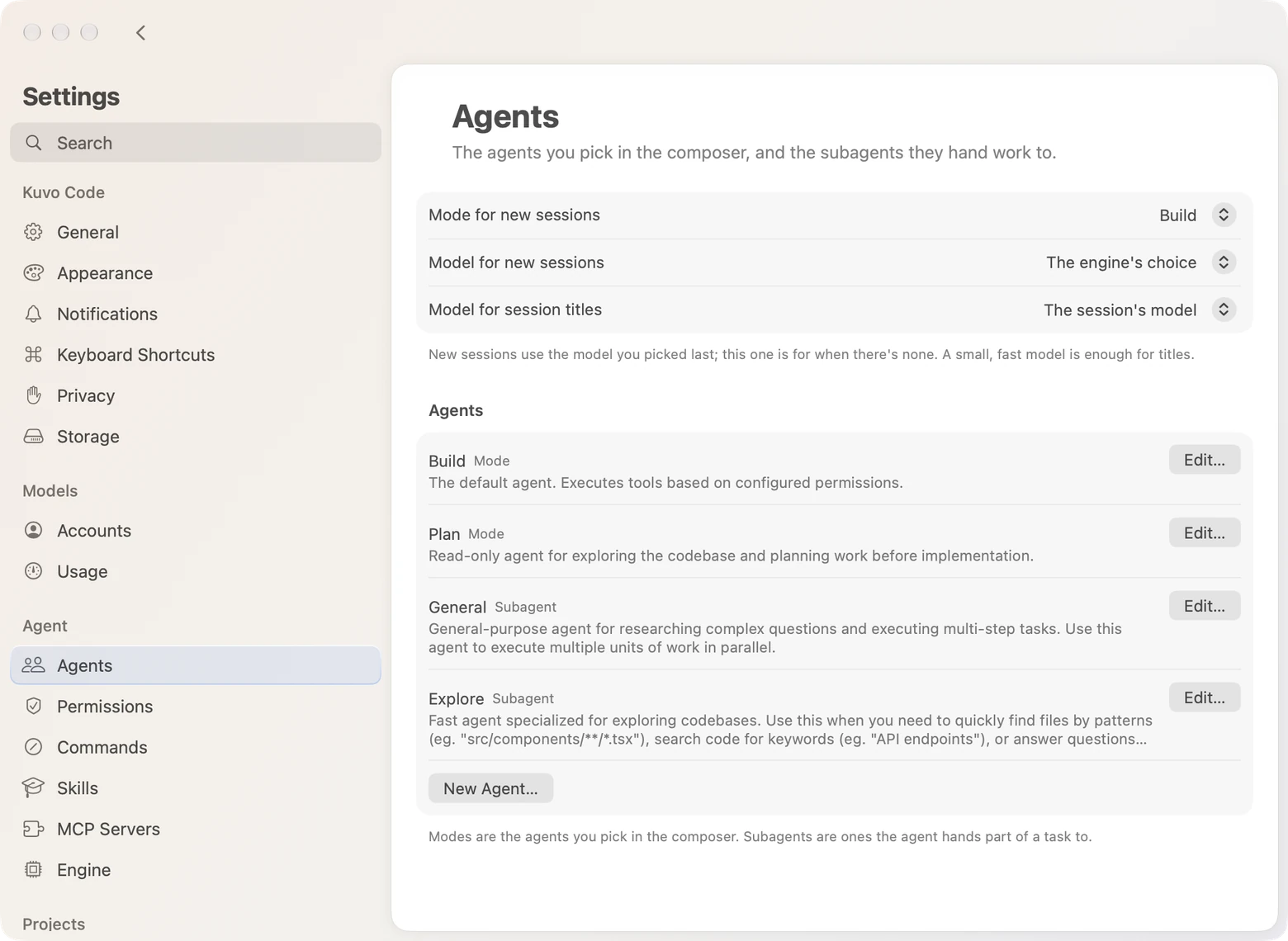
Settings › Agents sets the mode new sessions start in, the model to use when there’s no last one, and a model for session titles. Edit an agent to change its description, model, instructions, step limit or permissions, or to turn it off. New Agent… adds your own: a mode you pick in the composer, a subagent the agent can hand work to, or both. If you have Claude Code agents in ~/.claude/agents, From Claude Code imports them as subagents, with their descriptions and instructions.
Permissions
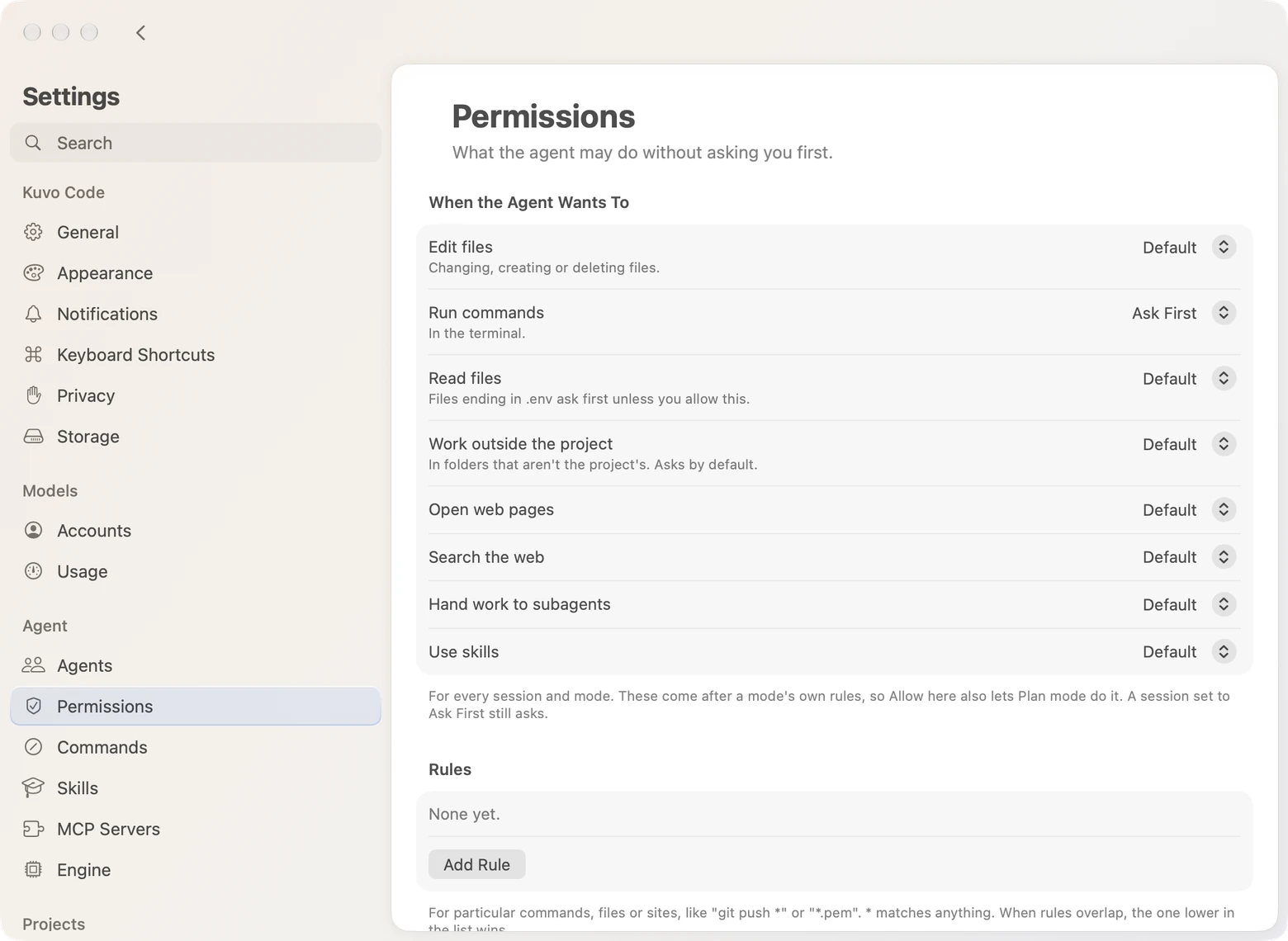
Settings › Permissions sets what the agent may do without asking, such as editing files, running commands or opening web pages. Add rules for particular commands or files, like git push *; when rules overlap, the lower one wins. Always Allowed lists the approvals you saved with Always, so you can remove them. Blocks win over everything, approvals included.
MCP servers
Settings › MCP adds servers that give the agent more tools: a command that runs on your Mac, or a URL. Each shows whether it’s connected. Turn one off, or click Try Again or Sign In when it needs you. To keep a key out of the settings file, write {env:NAME} to use an environment variable.
Popular Servers lists well-known ones, like Linear, Sentry, Notion, Supabase and Context7, each from the company behind it as listed in the official MCP Registry. Click Add; for one that needs an account, click Sign In once it shows up.
Skills
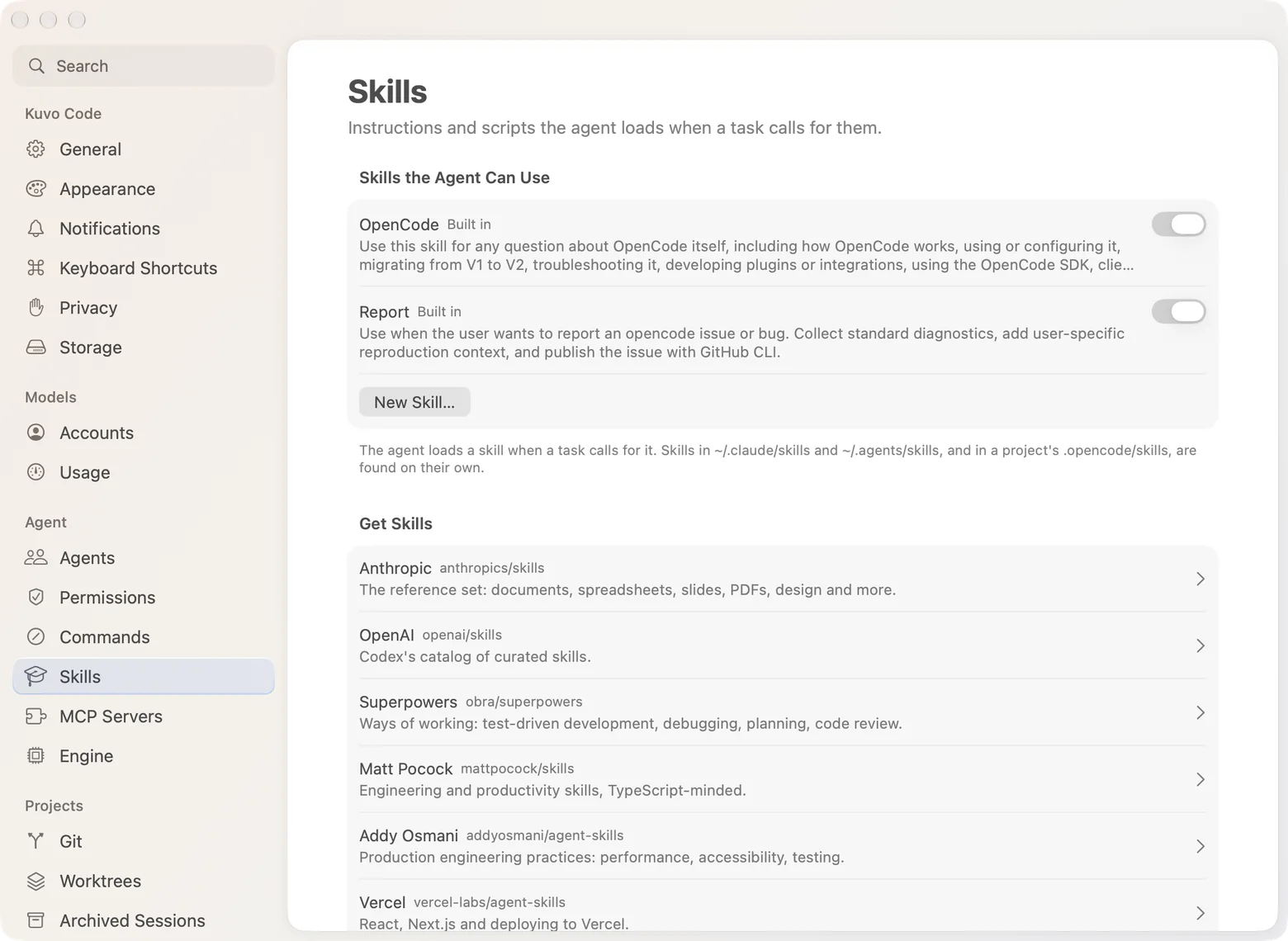
Settings › Skills lists the skills the agent can use, each with a switch: the engine’s own, ones in ~/.claude/skills and ~/.agents/skills, and ones you add. Get Skills shows popular collections on GitHub. Open one, see what a skill’s files are, and add it. You can also add other folders or skill catalogs.
To write your own, click New Skill…: give it a name, say when the agent should use it, and write its instructions. Edit… changes or deletes it later, and Show in Finder there opens its folder, for scripts or other files it needs.
Commands
Settings › Commands adds your own slash commands: a prompt you run by typing / and its name. $ARGUMENTS stands for what you type after it. Commands you made for Claude Code, in ~/.claude/commands, can be imported there too.
Engine
Settings › Engine has the rest: summarizing long conversations, formatting files the agent changes, keeping sessions warm, the shell, web search, limits on tool output and images, files the engine ignores, the worktrees folder and plugins. Open shows the settings file itself.