 Kuvo Box
Docker for your Mac.
None of the weight.
Kuvo Box runs the real Docker engine in a lightweight Linux VM, with a native Mac app to see what it's doing.
Free for personal use. macOS 15 or later, Apple silicon.
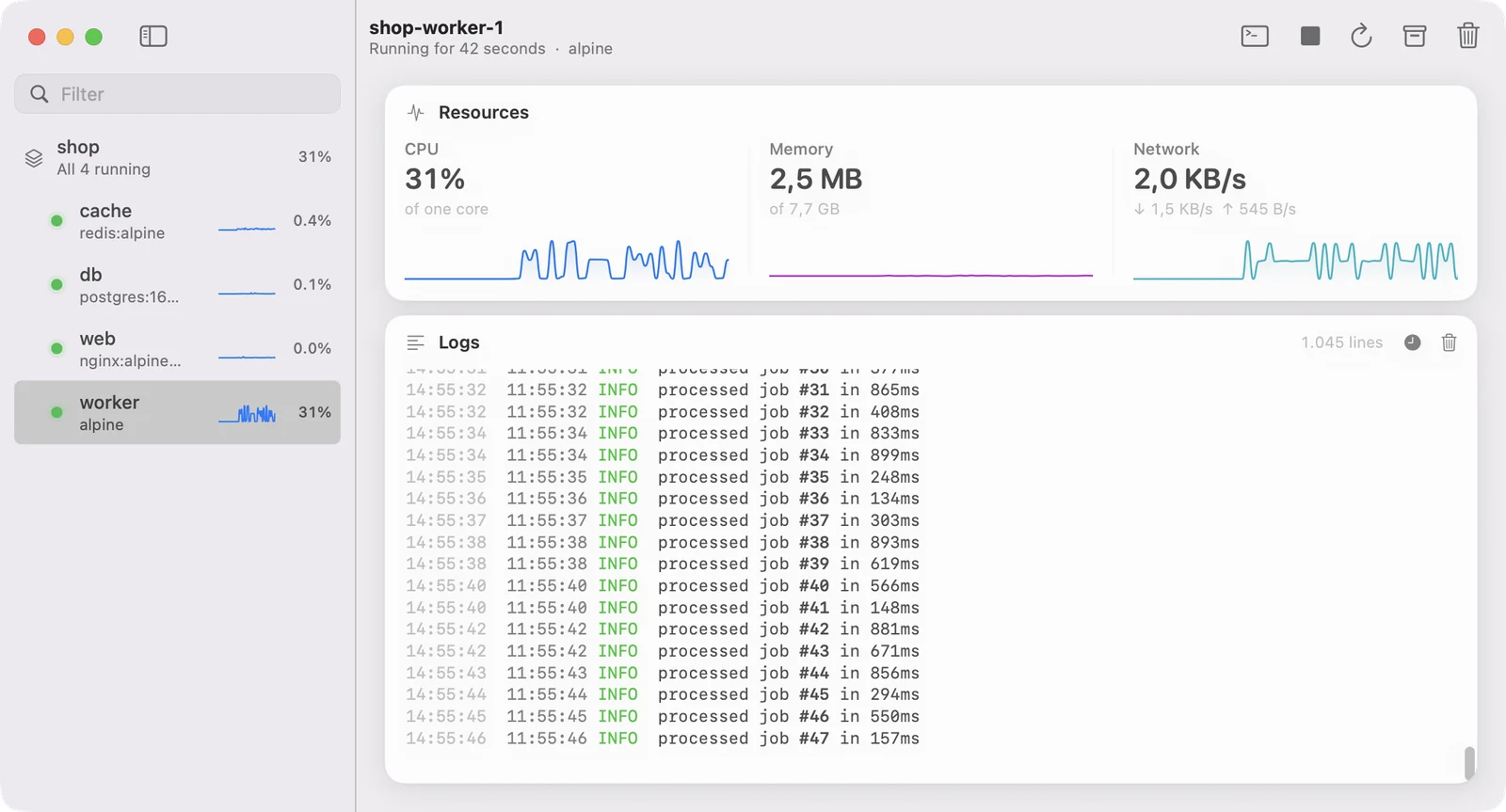
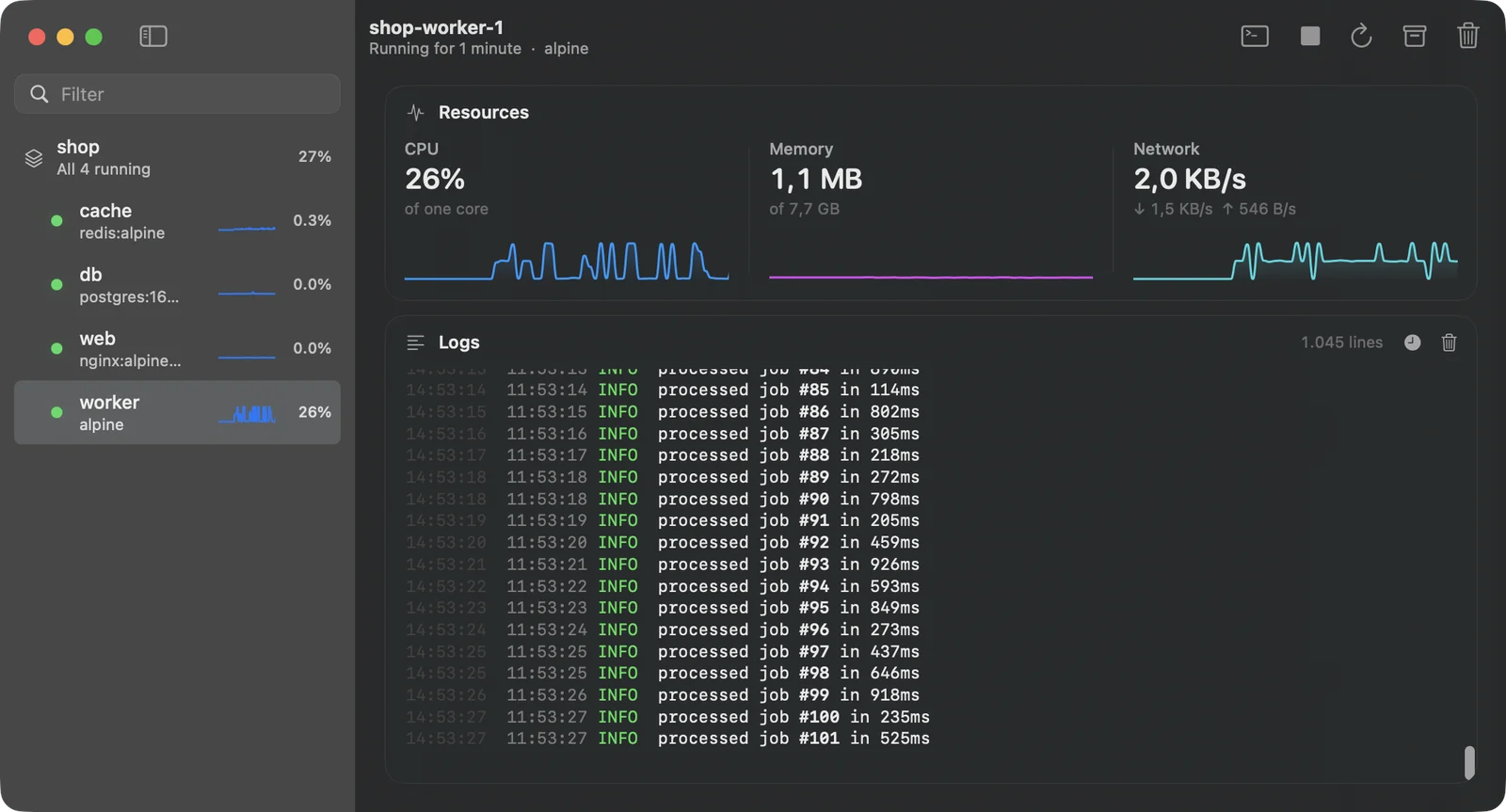
Everything running.
At a glance.
One window for your containers and Compose projects. It feels like a Mac app because it is one, and it stays quiet when you're not using it.
Projects stay together.
Compose services sit under their project. Start, stop or remove a whole stack at once, and take its volumes with it when you mean to.
Read the docs →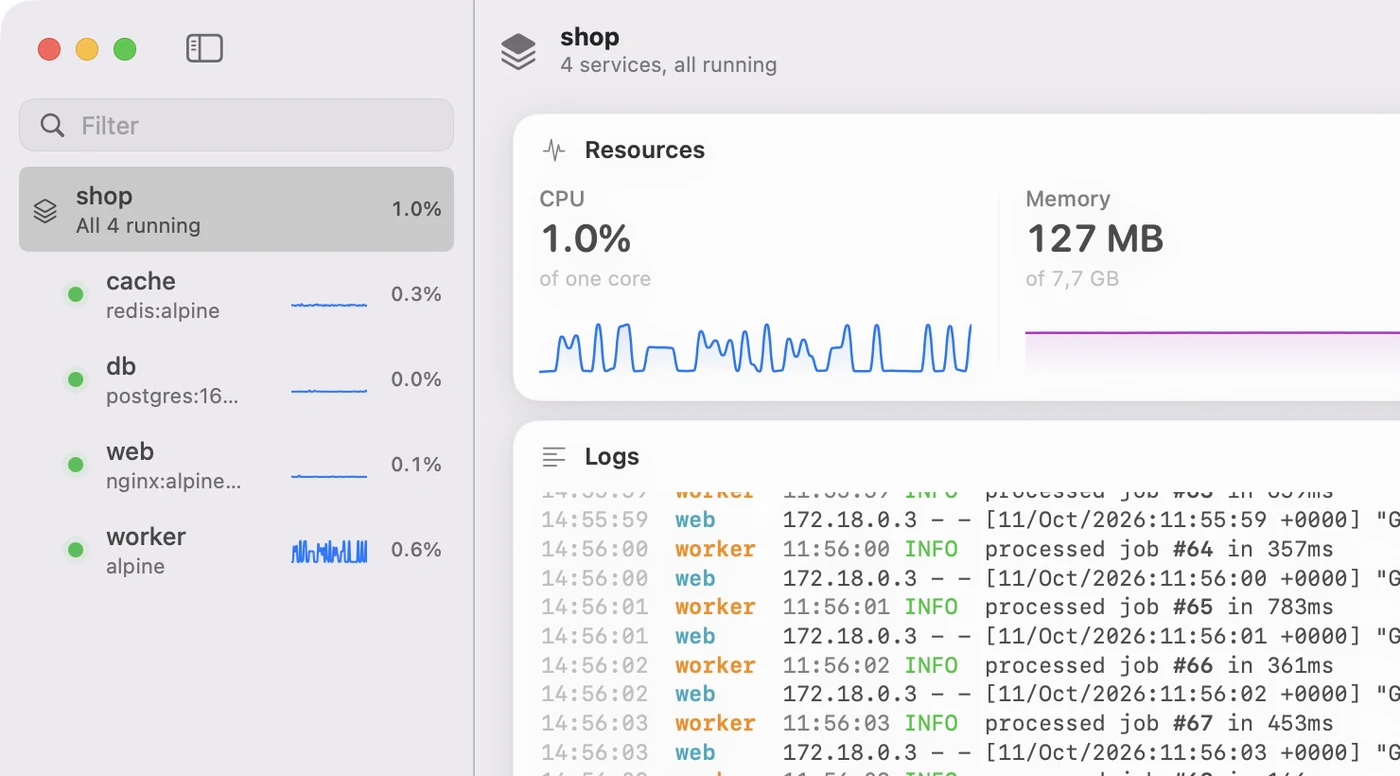
Live numbers. No cost when hidden.
CPU, memory and network update every second while you're looking. Close, minimize or cover the window and Kuvo Box stops collecting them.
Read the docs →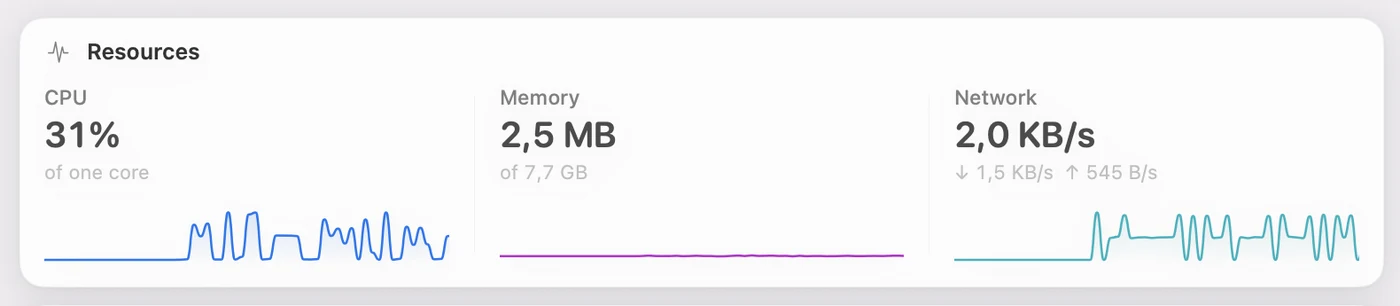
Every service, one stream.
Logs keep the colors your programs print. Select a Compose project and its services are merged in time order, each labeled in its own color.
Read the docs →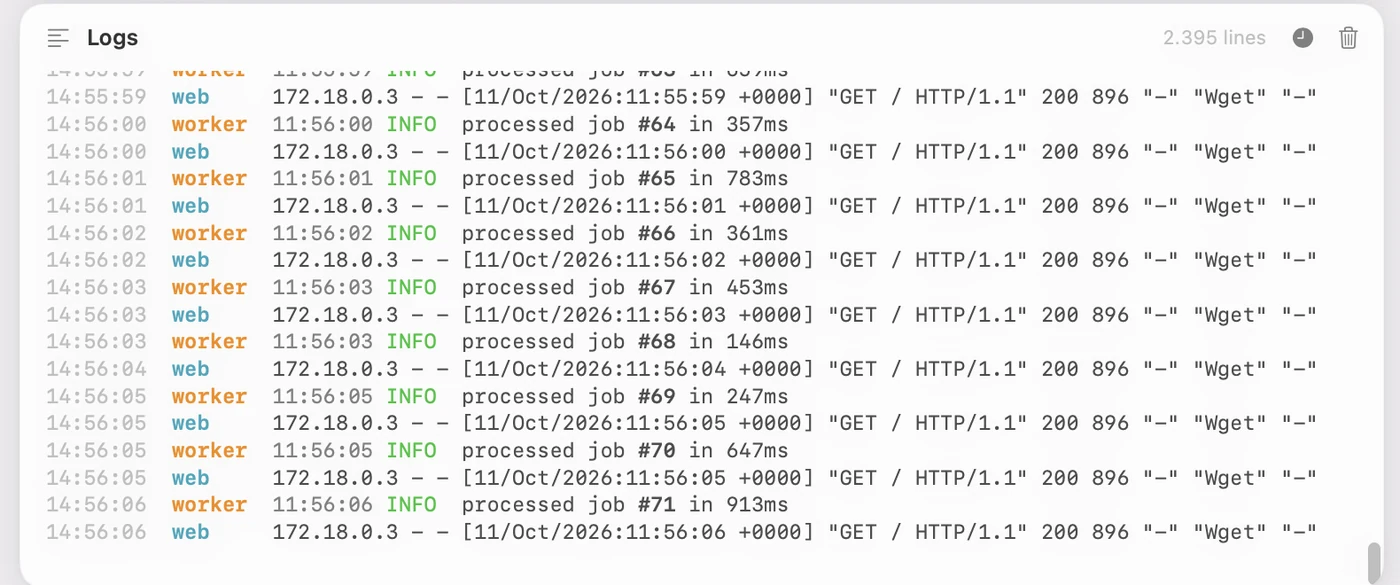
A shell in every container.
Press ⌃` for a terminal beside the logs. Prefer your own terminal app? Open the container there, or run kuvo shell.
Read the docs →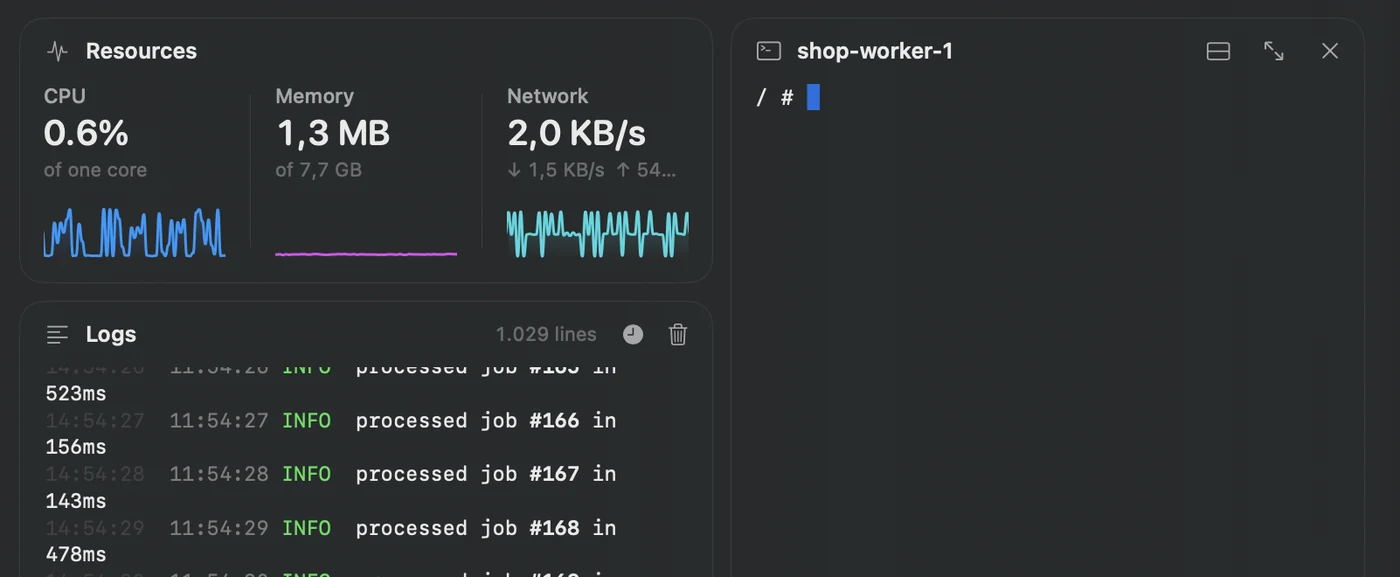
The engine you know.
The flags you know.
Kuvo Box doesn't change how you use Docker. It gives the docker command a fast, small engine to talk to, and an app to see what it's doing.
The real Docker Engine
dockerd from Alpine Linux, not a reimplementation. The docker CLI, Compose and your scripts work unchanged.
Ports on localhost
Published ports show up on 127.0.0.1 as soon as a container starts. Nothing to configure.
Bind mounts just work
/Users is shared at the same path inside the VM, so -v $PWD:/app means what you expect.
Intel images too
linux/amd64 images run through Rosetta at close to native speed on Apple silicon.
Menu bar
Every container one click away, with the window closed.
Archive
Stop a container and keep it for a while. Kuvo Box cleans it up after the period you choose.
Images and volumes
Every image and volume with its size and who uses it. Delete one and the space is back on your Mac in seconds.
Made for agents
A CLI with plain output and real exit codes, so coding agents can work in a container instead of on your Mac.
A CLI that reads well.
For people and agents.
The kuvo command ships inside the app and lands on your PATH. Plain output and real exit codes let a coding agent create a container, copy code in and run it, without touching your Mac.
CLI reference →$ kuvo new bench --cpus 2 --memory 2g Created bench from ubuntu:24.04. Run commands with: kuvo exec bench <command> $ kuvo cp ~/code/parser bench Copied 214 files (1.8 MB) to bench:/workspace/parser. $ kuvo exec -w /workspace/parser bench "make test" ok parser 0.84s ok parser/ast 0.31s $ kuvo ls NAME IMAGE STATE CREATED BY bench ubuntu:24.04 running for 2 minutes Claude Code
Lighter than Docker Desktop.
Measured, not guessed.
Same Mac, the same three idle containers: nginx, redis and postgres. CPU is summed over every process each app runs, VM included.
| Kuvo Box 0.1 | Docker Desktop 4.85 | |
|---|---|---|
| App size, installed | 5.3 MB | 2.1 GB |
| Engine ready after launch | about 3 s | about 4.5 s |
| Idle CPU, window open | 5.2% | 8.9% |
| Memory, app and VM | 0.87 GB | 1.5 GB |
| Processes | 2 | 12 |
One machine, one afternoon. Your numbers will differ. How we measured
One download.
Then docker run.
Open Kuvo Box, wait a few seconds, and the docker command you already have talks to it.
Download for macOSmacOS 15 or later, Apple silicon.
Point docker at Kuvo Box.
Create a Docker context once, and every terminal uses Kuvo Box. Opening Docker Desktop switches it back.
eval "$(kuvo env)"docker context create kuvo --docker host=unix://$HOME/.kuvo/docker.sockdocker context use kuvoDon't have the docker command? Install it without Docker Desktop →
Rather build it yourself? Build from source →