# Browsing for the agent
How the agent uses the panel's browser with any model, while you watch.
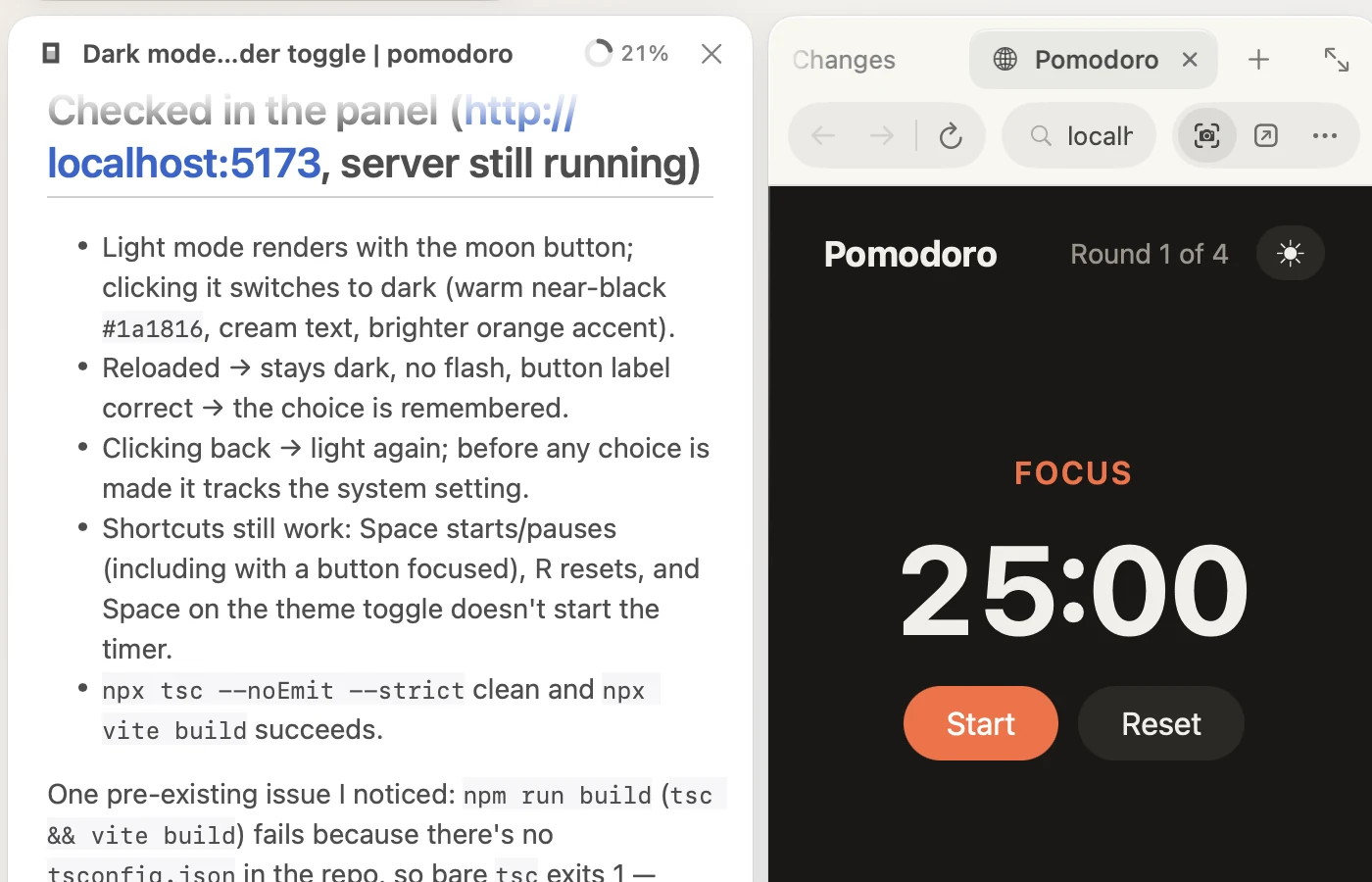
The agent can use the browser in the [side panel](/code/docs/panel/#browser): open pages, read them, click, type and scroll. It works with any model, and every step happens in the browser you see.
Just ask, for example: "Open localhost:3000 and check that the sign-up form works."
## How it works
The agent reads a page the way [browser-use](https://github.com/browser-use/browser-use) does: its text, and a numbered list of everything it can interact with. To act, it names a number: "click 3", "type into 7". Nothing is drawn on the page.
Its tools open pages, read them, click, type, choose from menus, scroll, press keys, go back and forward, take screenshots for models that can see, and open new tabs. Each step shows in the transcript as one line, like **Opened localhost:3000** or **Clicked 3**.
## The browser you see
The agent uses the browser tab you're looking at, or opens one, and the panel comes forward to show it. Because it's the same browser, the agent is signed in wherever you are, and you can step in at any time: sign in for it, close a dialog, then tell it to carry on.
To stop it, press ⌘ ., as with anything else it does.